Account Delegate
 >
> >
> >
>
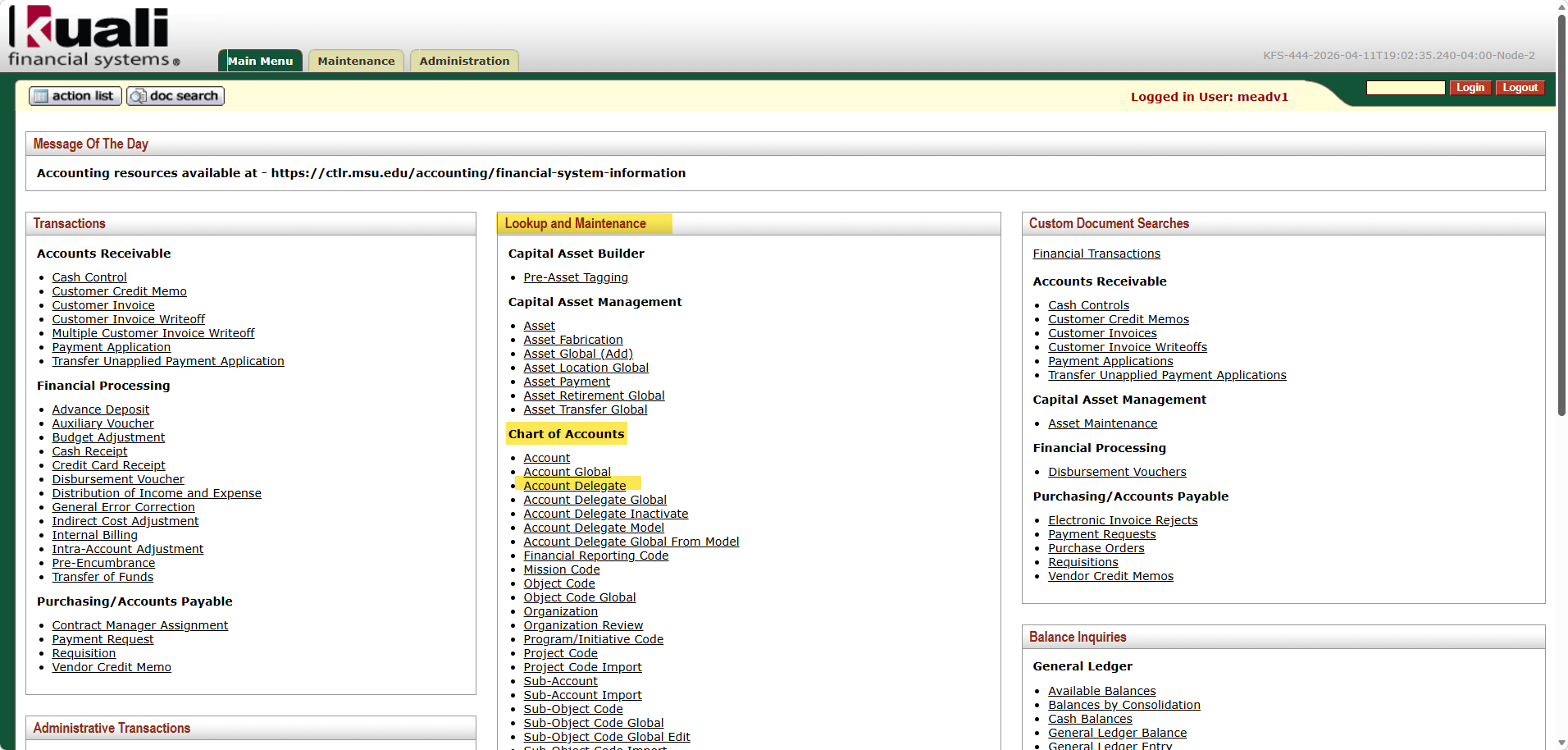
Various account delegate documents are available for creating, editing, or inactivating delegations. A summary is provided below.
• The Account Delegate document is used to establish new Account Delegates or to copy or edit existing Account Delegates.
• The Account Delegate Global document allows you to create delegates for multiple document types on one or more accounts on a single document. Unlike the other global documents, you may initiate it by entering information from scratch or by populating the document from an account delegate model you choose.
NOTE: The Account Delegate Global document replaces all existing delegations for an account rather than updating them. Use caution, as this will remove any current delegations.
• Account Delegate Model - the Account Delegate Model document allows you to create a model for the Account Delegate Global document so that you can define a common delegation structure for a group of accounts easily. This is the recommended way to set up account delegation. After the model is created, you may assign accounts to the model by using the Account Delegate Global from Model document. By using the Account Delegate Model, your delegate information is saved and applied each time you use the model.
• Account Delegate Inactivate – the Account Delegate Inactivate document is used to inactivate multiple account delegates for document types on one or more accounts on a single document.
These additional Account Delegate document types are explained in the section following the Account Delegate document.
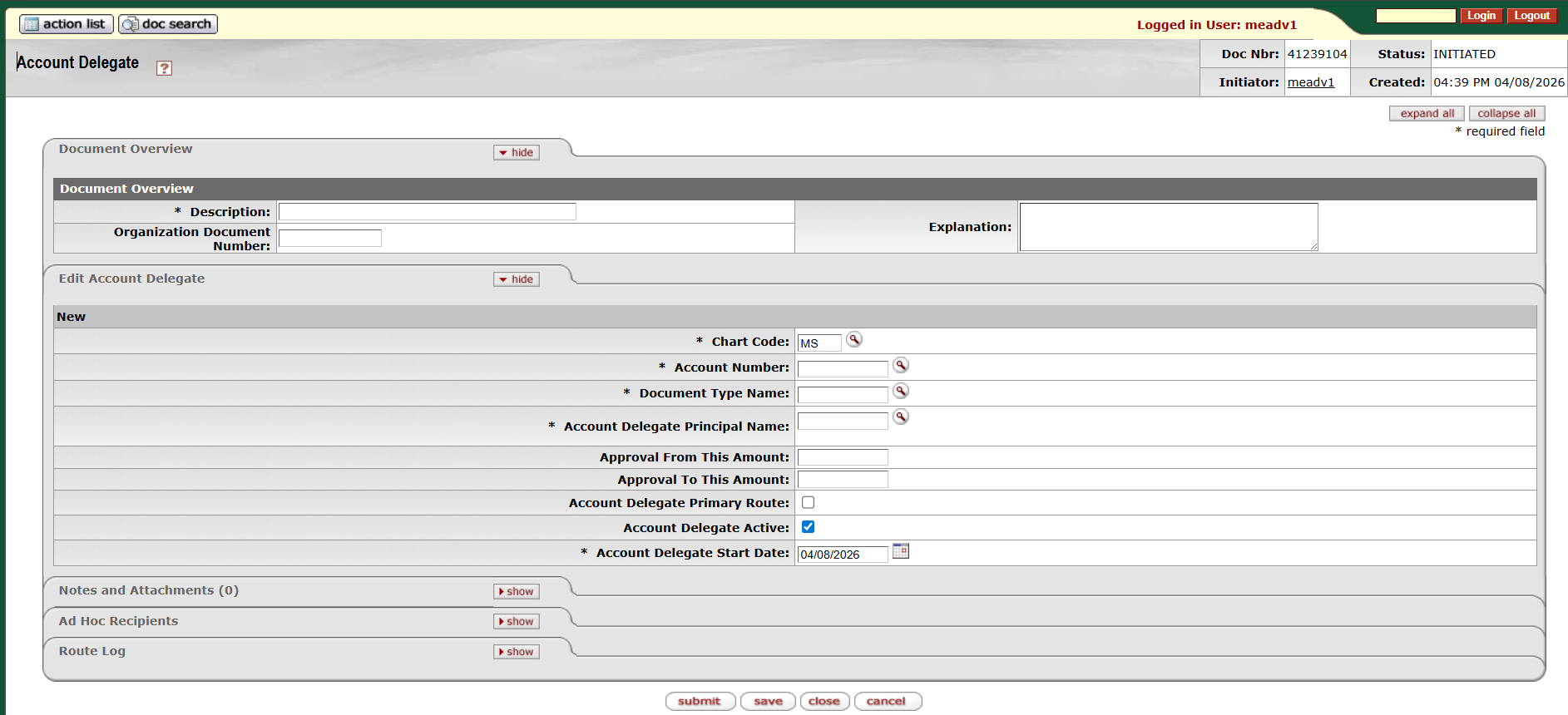
The Account Delegate document is used to establish new Account Delegates or to copy or edit existing Account Delegates. Account Delegates are KFS users that are authorized under certain circumstances to take workflow actions on a document in the place of an account's Fiscal Officer. An authorized delegate can take any action that is available to a Fiscal Officer, including the power to approve and disapprove transactions. Account delegation is designed for the Fiscal Officer to always have a backup. This way if the Fiscal Officer is unexpectedly out of the office, documents can still be approved.
Account delegation is specific to an account and a document type and may also be limited based on the dollar amount of the document. Account delegations can also be established for approvals on financial transactions that use low dollar documents or to split approvals between two people in an organization based on document type.
A different delegate can be established for each account if needed.
Delegation only allows a user to approve in the Fiscal Officer's place when a document is at the account routing level. If for example, a document is routed to an account's Fiscal Officer as part of Org Review Routing, the Delegate would not be authorized to approve that action request.
There are two types of delegates that can be established: primary and secondary.
Primary delegate indicates the designated person who usually approves eDocs instead of the Fiscal Officer. Use this to separate specific documents for approval (for example PCard Documents), but you should refrain from assigning a primary for all document types. You can only have one Primary Delegate by document type.
Documents route directly to a Primary Delegate's action list. These documents do not appear in the Fiscal Officer's action list unless the Fiscal Officer applies a special filter as shown below to their action list allowing them to view the documents routed to the Primary Delegate.
Primary Delegate Filter:

Secondary delegates act as backup approvers for when the Fiscal Officer is unavailable. You can have multiple secondary delegates.
Documents do not route directly to a Secondary Delegate's action list. Instead, the documents route to the Fiscal Officer's action list (or the Primary Delegate, if applicable) and the Secondary Delegate must apply a special filter as shown below to their action list to see and take action on these documents.
Secondary Delegate Filter:

NOTE: When a person is established as a Delegate for a set of accounts and then initiates a document that meets the delegation criteria, that document will bypass Fiscal Officer approval. The system assumes that if someone can approve a transaction as a delegate, the Fiscal Officer approval has been met. If the Fiscal Officer wants to be able to approve and edit the accounting line the majority of the time, they should not set up document initiators as Delegates.
 Document Layout